Creating your account and organization
Sign up, set up your organization, and let the setup wizard seed your knowledge base in a few minutes.
Updated October 25, 2026
PowerGrant works best when it knows your organization — your mission, your programs, your track record. Account setup is built around getting that knowledge in fast, so your first draft sounds like you.
Create your account
- Go to app.powergrant.ai and choose Create an account.
- Sign up with Google, or use your email address and a password. Creating an account means you agree to our Terms and Privacy Policy, both linked under the form.
- Every plan starts with a 7-day free trial — see how the trial works for the details.
Not ready to start the trial? The signup screen also offers Book a demo instead, which opens a scheduling page in a new tab so anything you have already typed is still there when you come back.
The setup wizard
Right after signup, a short wizard sets up your organization:
- Pick what kind of organization you are: a nonprofit, an academic department or lab, or something else (a small business, school, or government or tribal entity, for example).
- Tell us about your organization. Confirm its name and, if you like, add a one-paragraph mission.
- Seed your facts. Type in at least three facts about your work, like your budget, the people you serve, or a recent grant. These become the seed of your knowledge base, the source of truth the AI writes from. Not ready? Choose Add later.
- Add documents. A past proposal, your annual report, or an impact report gives the AI real material to draw from. You can add up to five files here, and always add more later.
None of this is a one-shot decision: everything the wizard collects can be edited later in the Knowledge Base tab.
After the wizard
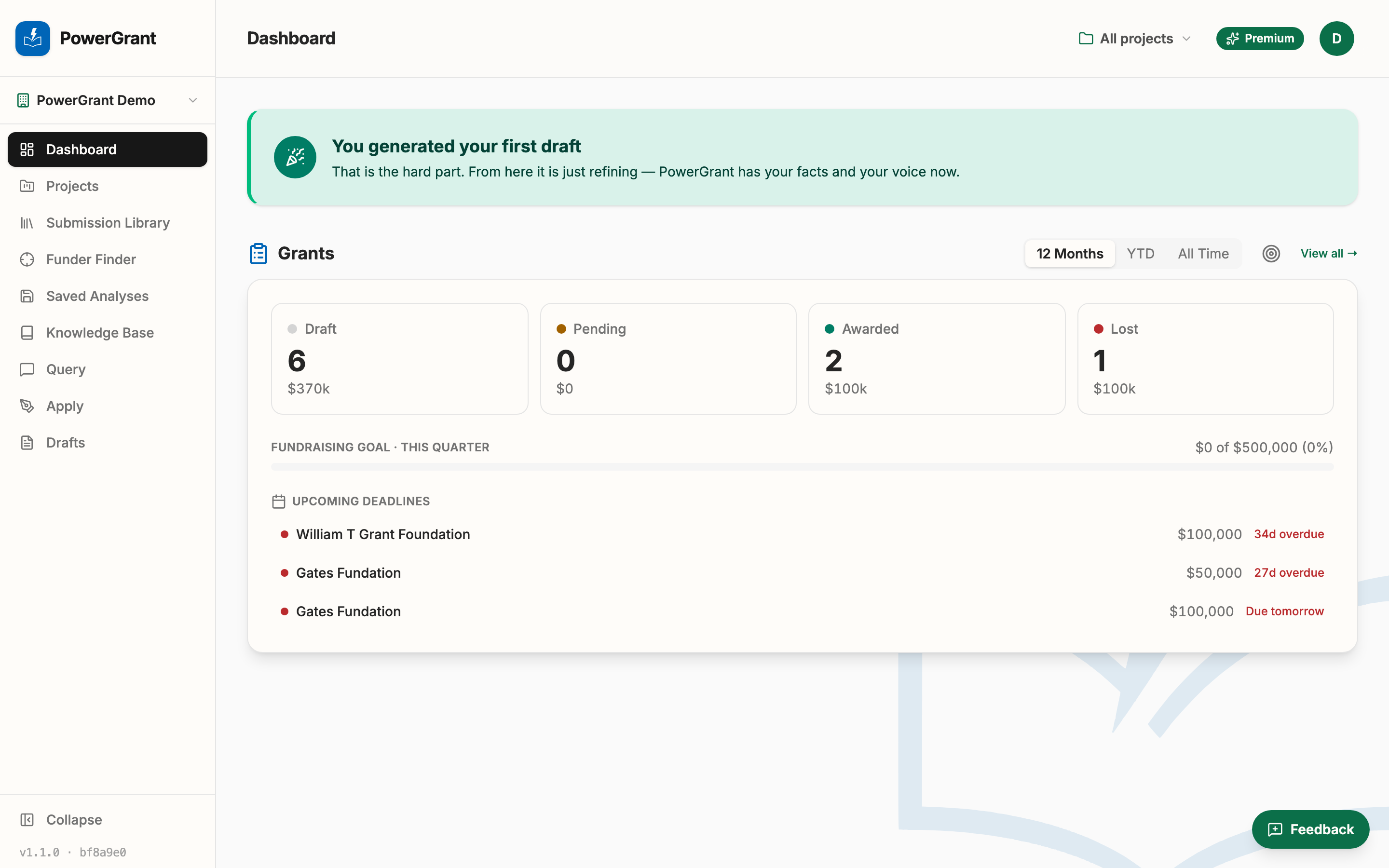
If you choose Set up later instead of finishing the wizard, your dashboard shows a short checklist in its place: build your knowledge base, create your first project, and generate your first draft.
When you’re ready, invite your team. Every plan includes unlimited seats.
Still stuck? Use the Feedback button inside the app — it goes straight to the team.